DAM media delivery
One image.
Ready for your website.
Automatic image crops for your responsive website. And existing embeds that automatically pick up new asset versions.
Media delivery connects your central media library to its use: as a suitable output format or through a web link embedded in your website.
01 · Crop automatically
The right crop for your website.
The SmartCropper service automatically crops images for website embeds. It takes the focal point into account and selects a suitable crop for the requested format.
One image. Multiple screen sizes.
Provide, for example, three or five variants for your responsive website. Instead of preparing every crop by hand, use automatic crops from one central original.
Example: a tourism campaign
A campaign image appears wide on desktop and more compact on a smartphone. The output variants take the same focal point into account; the original is retained centrally.
Other output formats and targeted adjustments
Define output formats for print, social media or individual requirements, too. Crop, resize and edit images directly in the DAM. These output variants are distinct from new asset versions.
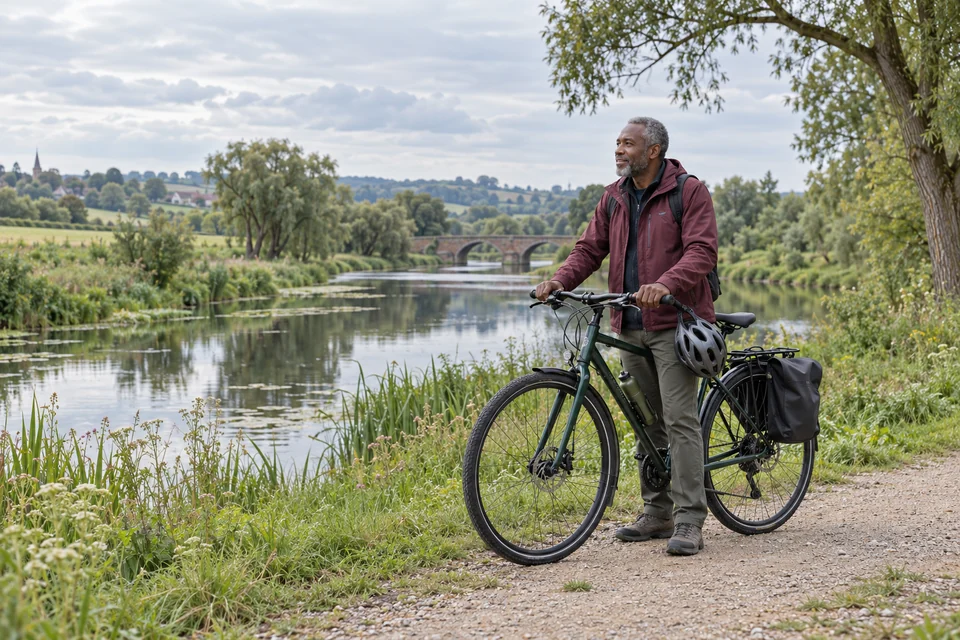
02 · Manage versions
A new state. The same asset.
Multiple crops present one image in different formats. A new version, by contrast, records a new editing state of the existing asset.
You can save an edit as a new asset version and access earlier states when needed. This keeps the development of the asset traceable, without confusing versions with parallel output variants.
Previous state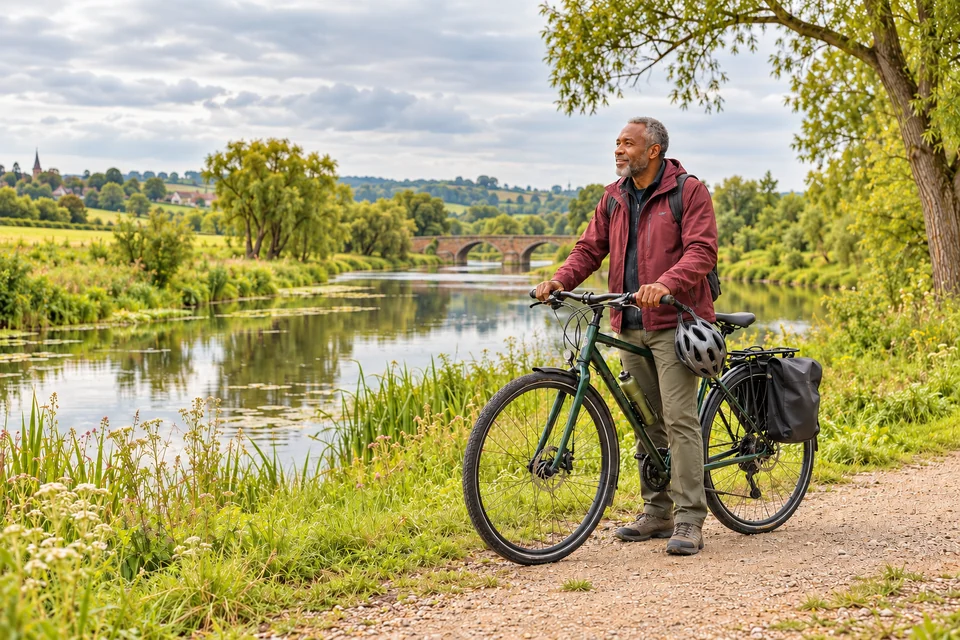 Colour edited
03 · Keep embeds up to date
Change it centrally. Update your website automatically.
Embed media in your website or CMS through a web link. Existing embeds automatically pick up new versions of the central asset.
You no longer need to download the updated file and upload it to your website for each embed.
A download remains a copy.
Automatic updates apply to embeds using an AdmiralCloud web link. Files that have already been downloaded or uploaded separately are not updated this way.
Usage is still a deliberate decision.
Before adding a new version, check the intended uses, rights and approvals. A technical update is not legal clearance.
Rights and licenses in the DAM
Earlier downloadRemains version 1
Which images should power your website?
Discuss your responsive image formats and automatic embed updates in a live demo.